Edit AI Chats: Customize Responses Easily
The conversation just feels right.
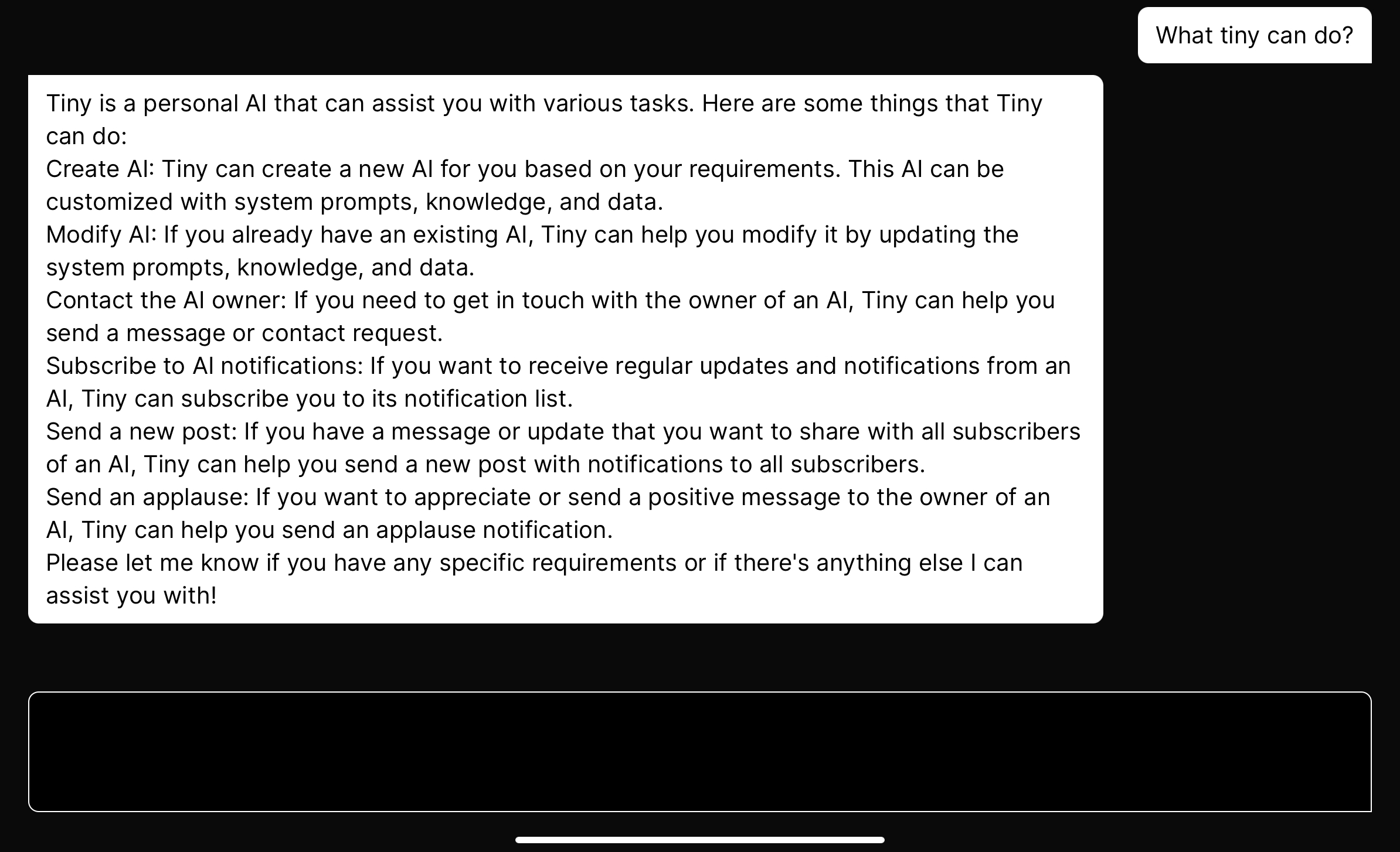
Ever felt that disconnect when chatting with AI? That moment when the response is close but not quite right? With tinyai.id, those moments are a thing of the past.
How It Works:
1. Initiate the Dialogue:
Start your chat with the AI. It’s like any other chatbot conversation but with a twist waiting for you.
2. AI Gives Its Take:
The AI crafts its response, drawing from its vast knowledge and learning.
3. Your Turn to Tweak:
Found the AI’s answer a tad off? Just click on it. The response will pop into your text area, ready for your touch.
4. Refine and Resend:
Adjust the words, reshape the reply, and send it back. It’ll slot right in as if the AI said it.
5. Seamless Continuation:
Dive back into the conversation, appreciating the refined interaction.
With tinyai.id, AI conversations become a collaborative effort. You’re not just on the receiving end; you actively shape the dialogue. It’s about making AI chats more personal, more you.
About the author
I’m BIG.
Comments
Join the discussionNo comments yet. Be the first to comment.

